Comprehensive Hardware Wallet Setup Guide for Secure Crypto Storage
Master the art of secure crypto storage with our comprehensive hardware wallet setup guide. Protect your assets and learn about self-custody today!
In this article
Understanding how to securely store cryptocurrency is crucial in digital finance. This hardware wallet setup guide will take you through the essentials of self-custody, how hardware wallets work, and how to protect your assets from common crypto threats.
What is Self-Custody in Crypto?
Self-custody means holding and managing your own cryptocurrency without relying on third-party exchanges. This approach ensures that you have complete control over your digital assets, safeguarding them from exchange-related risks.
Biggest Crypto Hacks Explained
Understanding past crypto hacks helps users protect their digital assets. Here’s a look at some of the most significant hacks in cryptocurrency history, along with their impacts and lessons learned.
Below is a table summarizing key details about each major hack:
| Hack Name | Year | Loss (in USD) | Key Lesson |
|---|---|---|---|
| Mt. Gox | 2014 | 450 million | Importance of secure exchanges |
| Coincheck | 2018 | 530 million | Need for robust security measures |
| Bitfinex | 2016 | 72 million | Risks of insufficient security protocols |
These examples illustrate the critical need for heightened security and vigilance in cryptocurrency transactions. By learning from these breaches, investors can better safeguard their holdings.
Self-Custody vs. Exchange: Key Differences
Self-custody and exchanges offer different levels of control and security. Here are some key differences:
- Control: Self-custody gives you full control over your funds, while exchanges manage them on your behalf.
- Security: Exchanges are prone to hacks and regulatory changes. Self-custody reduces these risks.
- Access: With self-custody, you can access your funds anytime, unlike exchanges that may limit access.
Understanding these differences can help you make informed decisions about how to manage your cryptocurrency securely.
How to Take Crypto Off an Exchange
- Purchase a hardware wallet from a reputable source.
- Set up your wallet and generate a recovery phrase.
- Transfer your crypto from the exchange to your hardware wallet address.
- Verify the transaction completion on the blockchain.
Following this process ensures that your crypto assets are securely transferred to your personal control.
"Not Your Keys, Not Your Coins": The Meaning
This phrase highlights the importance of controlling your private keys. If you don't hold your keys (as with exchanges), you don't truly own your cryptocurrency. Self-custody ensures your assets are secure and accessible only by you.
Pros and Cons of Self-Custody
- Pros: Greater security, full control, and independence from third parties.
- Cons: Requires responsibility for managing keys and potential loss if not handled properly.
Weighing these pros and cons can help you decide whether self-custody is the right choice for you.
What is a Hardware Wallet?
A hardware wallet is a physical device that securely stores the private keys to your cryptocurrency. It keeps your keys offline, protecting them from online threats like hacking and phishing.
Best Hardware Wallets for Beginners
- Ledger Nano S: Affordable and user-friendly.
- Trezor Model One: Known for its strong security features.
- SafePal S1: Offers a comprehensive security suite for new users.
These options provide a good starting point for those new to using hardware wallets.
How to Set Up a Hardware Wallet
- Unbox and connect your hardware wallet to your computer.
- Download and install the wallet's software or app.
- Create a new wallet following the prompts provided.
- Write down the recovery phrase provided and keep it secure.
- Set a strong PIN for additional security.
- Transfer your crypto assets from the exchange to your new wallet address.
Following this guide will help you to securely set up your hardware wallet and maintain the safety of your digital assets. Make sure to follow each step carefully to avoid any potential security risks.
Ledger vs. Trezor: A Comparison
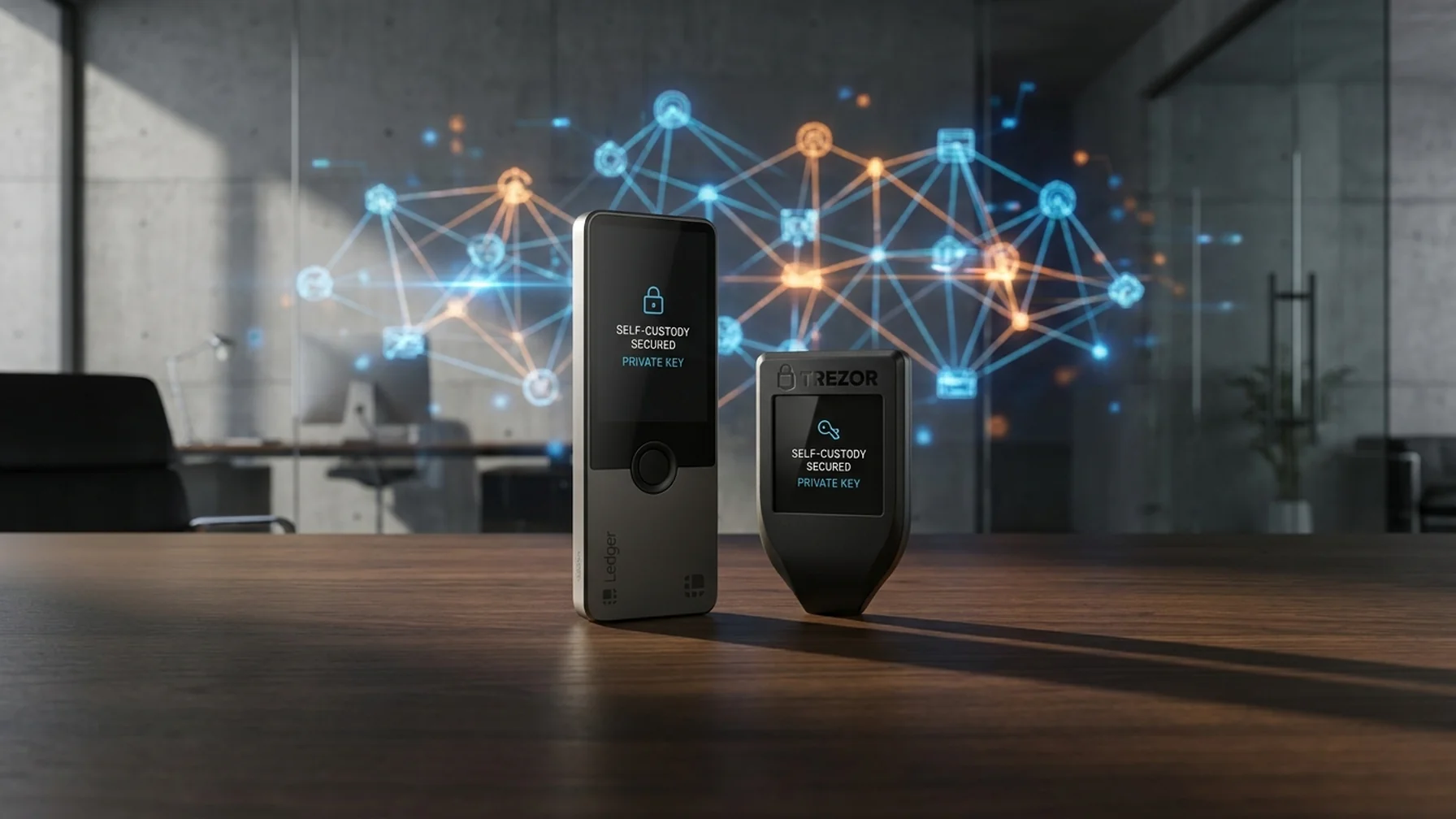
Both Ledger and Trezor are popular hardware wallet brands. Ledger is praised for its sleek design and robust security, while Trezor is known for its transparency and ease of use. Your choice depends on personal preference and security needs.
Are Hardware Wallets Safe?
Yes, hardware wallets are considered one of the safest methods to store cryptocurrency. They keep private keys offline, protecting them from online attacks. However, users must safeguard their recovery phrases and PINs.
How Hardware Wallets Work
Hardware wallets store private keys in a secure chip. When signing transactions, the keys never leave the device, ensuring they remain secure even if connected to a compromised computer.
Most Common Crypto Scams and How to Avoid Them
- Phishing: Always verify URLs before entering sensitive information.
- Rug Pulls: Research projects thoroughly to avoid investing in fraudulent ones.
- Address Poisoning: Double-check addresses before confirming transactions.
Staying aware of these scams can help protect your digital assets from malicious actors.
How to Verify a Crypto Website
Ensure the website URL is correct and secure (look for HTTPS). Check for official social media links and community feedback to confirm legitimacy.
Warning Signs of Fake Wallet Apps
Fake apps often mimic legitimate ones. Look for unusual permissions requests, poor reviews, and lack of verification from official sources.
What is Address Poisoning?
Address poisoning involves sending small transactions to your wallet to trick you into sending funds to the wrong address. Always verify recipient addresses carefully.
How to Back Up a Seed Phrase
Write your seed phrase on paper and store it in a safe place, like a safety deposit box. Avoid digital storage to prevent hacking risks.
What to Do if You Lose Your Seed Phrase
Unfortunately, if you lose your seed phrase, recovering access to your cryptocurrency is challenging. It's crucial to keep backup copies secure and accessible only to you.
How to Recover a Crypto Wallet
To recover a wallet, use the seed phrase on a compatible wallet device. This will restore your access to the funds associated with that wallet.
Best Way to Store a Seed Phrase
Use multiple secure locations for your seed phrase, such as a fireproof safe and an offsite backup. Consider using a metal backup tool for added protection.
What is a Recovery Phrase?
A recovery phrase is a series of words generated by your hardware wallet. It is used to restore access to your wallet if it's lost or damaged.
By following this hardware wallet setup guide, you can take control of your crypto assets and ensure they remain safe from the ever-present threats in the digital currency world.