Detecting Fake Wallet Apps: Safeguard Your Cryptocurrency
Learn how to identify fake wallet apps and protect your cryptocurrency investments with essential indicators and security tips in this comprehensive guide.
In this article
The digital landscape of cryptocurrency is ever-expanding, making it crucial to secure your assets. One looming threat is fake wallet apps, designed to deceive users and compromise funds. Detecting these fraudulent apps is vital for protecting your investments. This article provides a comprehensive guide to recognizing fake wallet apps and steps to enhance your crypto security.
Recognizing Fake Wallet App Indicators
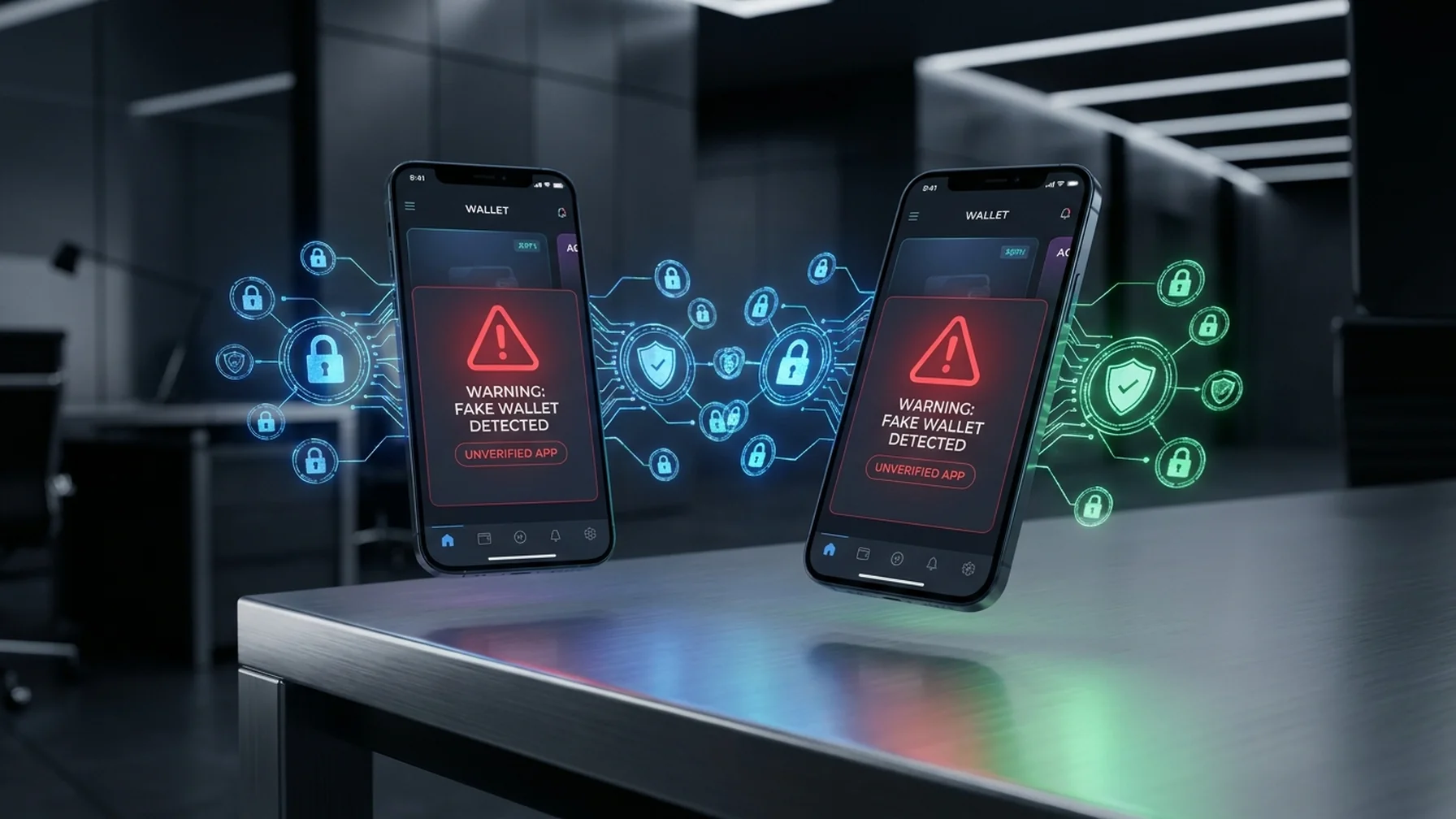
Identifying fake wallet apps is the first step to safeguarding your cryptocurrency. These apps often exhibit common warning signs that can alert you to potential scams. Below is a table of key indicators to watch for when evaluating a wallet app.
Key Indicators of Fake Wallet Apps:
| Indicator | Description |
|---|---|
| Unusual Permissions | Fake apps may request access to your contacts, messages, or other unnecessary data. |
| Poor Reviews | Legitimate apps have generally positive reviews; a high number of negative reviews can be a red flag. |
| Imitation Branding | Scammers may use similar logos or names to legitimate wallets to deceive users. |
| Limited Functionality | Fake wallets may lack essential features or be buggy and unreliable. |
| No Customer Support | Authentic wallet apps usually offer customer support; the absence of it is suspicious. |
By familiarizing yourself with these indicators, you can better protect your financial assets and personal information when selecting a digital wallet.
How to Move Crypto to a Self-Custody Wallet
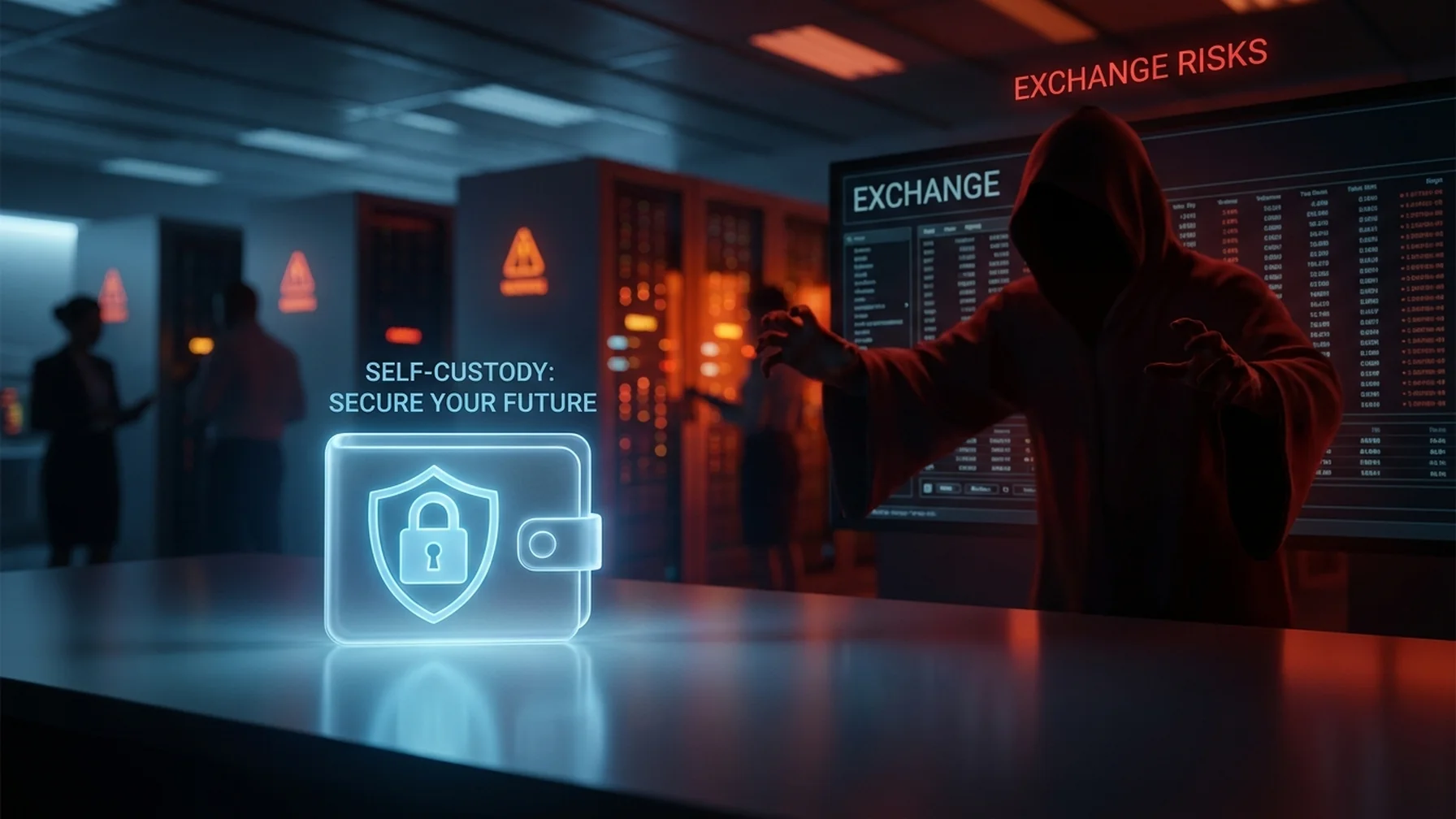
Transferring your cryptocurrency from an exchange to a self-custody wallet is an essential step in securing your assets. Here's how you can achieve this safely:
- Choose a reputable wallet app that supports your cryptocurrency.
- Download and install the app from an official source on your device.
- Create a new wallet and secure your unique receiving address.
- Log into your exchange account, navigate to the withdrawal section, and enter the wallet address.
- Confirm the transfer and verify the transaction on the blockchain.
Following these steps reduces the risk of losing your funds due to exchange vulnerabilities, ensuring your assets remain secure.
Self-Custody: Benefits and Responsibilities
Self-custody involves managing and storing your cryptocurrency independently, offering both advantages and challenges:
- Pros: Full control over your funds, enhanced privacy, and immunity to exchange failures.
- Cons: Requires responsibility for security, potential loss if keys are mismanaged, and lacks customer support.
Understanding these pros and cons helps in making informed decisions about your crypto storage strategy.
Setting Up a Hardware Wallet
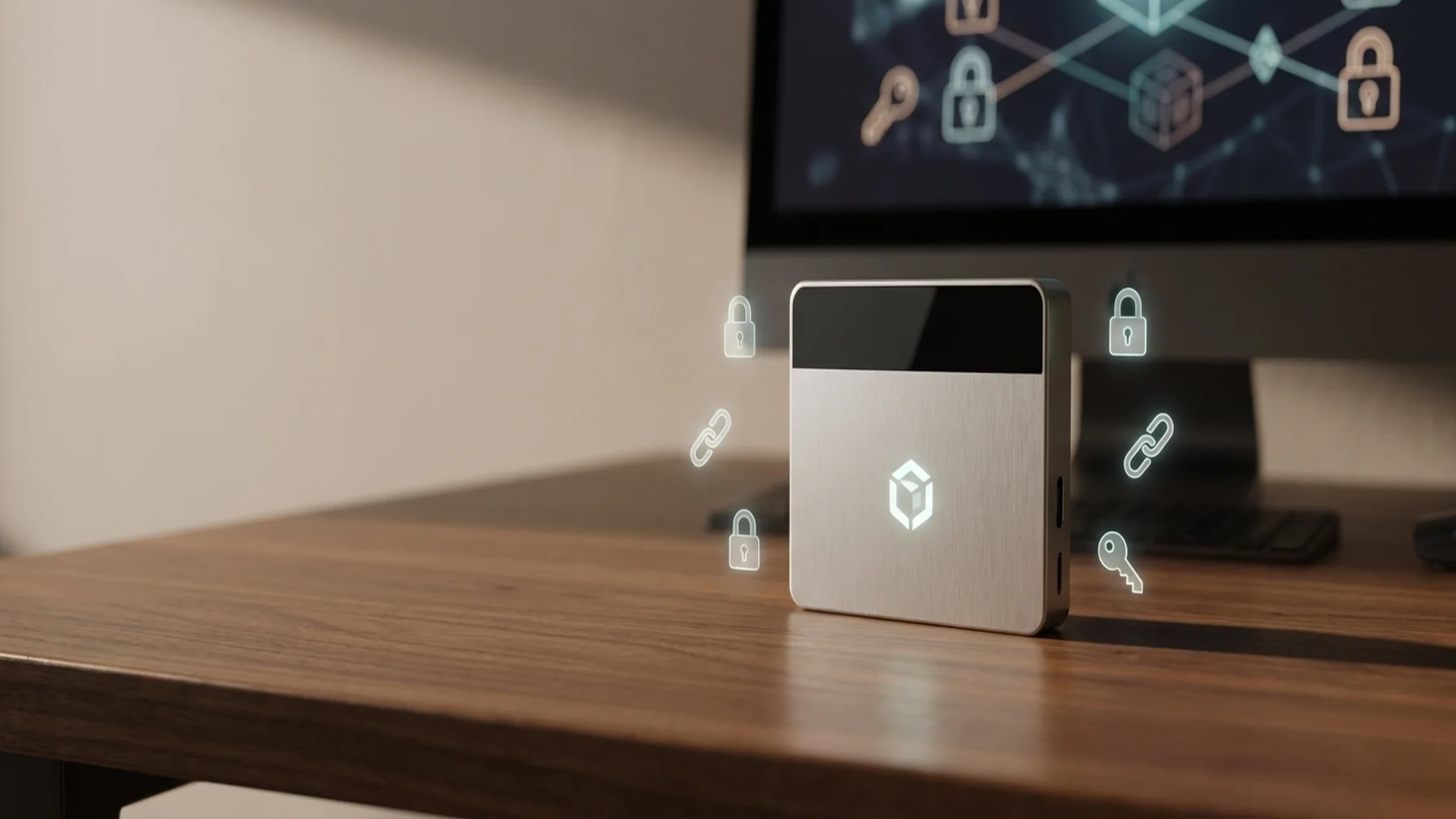
A hardware wallet is a secure, offline device for storing cryptocurrency. To set it up, follow these steps:
- Connect the wallet to your computer and install the necessary software.
- Follow the on-screen instructions to initialize and create a new wallet.
- Securely back up the recovery phrase provided during setup.
- Transfer your cryptocurrency to the new wallet address.
Regularly updating your hardware wallet's firmware is crucial for maintaining optimal security.
Comparing Ledger and Trezor Hardware Wallets
Ledger and Trezor are two popular hardware wallet brands. Below is a comparison to help you choose the best fit for your needs:
| Wallet | Interface | Security Features |
|---|---|---|
| Ledger Nano S | Simple and intuitive | Secure Element chip, backup recovery |
| Trezor Model T | Touchscreen display | Open-source, PIN protection |
Your choice depends on personal preference and specific requirements, as both offer robust security measures.
Warning Signs of Fake Wallet Apps
Being vigilant about fake wallet apps is crucial to prevent losses. Key warning signs include:
- Apps not found on official app stores.
- Low user ratings and reviews.
- Permissions requesting access to unnecessary data.
Always verify the developer's authenticity and ensure consistent branding to avoid scams.
Preventing Phishing Attacks in Crypto
Phishing attempts can trick you into revealing sensitive information. To protect yourself:
- Be cautious of unsolicited communications requesting private keys or personal details.
- Verify URLs before entering sensitive information.
- Enable two-factor authentication for an additional security layer.
These practices reduce the risk of falling victim to phishing scams and help safeguard your crypto assets.
Backing Up Your Seed Phrase
Your seed phrase is crucial for wallet recovery. Store it offline in a secure location, like a safe, and avoid digital storage options like cloud services. Never share your seed phrase with anyone.
By understanding these concepts and taking proactive steps, you can effectively safeguard your cryptocurrency from fake wallet apps and other security threats.